Rolling Slots Casino App
I would approach the Rolling Slots Casino app question with one practical answer: expect mobile browser access first. The brand material points to a responsive mobile site and, in some places, a PWA-style setup. Other sources say there is no regular app-store download for iOS or Android. That means I would not go hunting through random APK sites or app listings. I would use the current Rolling Slots website on my phone and only install anything if the site itself clearly offers a safe prompt.
For Canadian players, that is not a bad setup. A browser-first casino can still handle slots, live dealer games, deposits, bonus tracking, support chat, and account settings. The important thing is knowing what you are using. A mobile browser shortcut is not the same thing as a native App Store or Google Play app, and that difference matters for updates, notifications, permissions, and security.

App availability at a glance
| Mobile route | What I would expect | My caution |
|---|---|---|
| iPhone browser | Safari access to the casino site | Use the real site, not a copied download page |
| Android browser | Chrome access to the casino site | Avoid third-party APK files |
| PWA shortcut | Possible home-screen shortcut if offered | Treat it as a browser app, not an app-store app |
| App Store listing | Not clearly supported in public information | Verify before searching or downloading |
| Google Play listing | Not clearly supported in public information | Do not install lookalike casino apps |
How mobile access should work
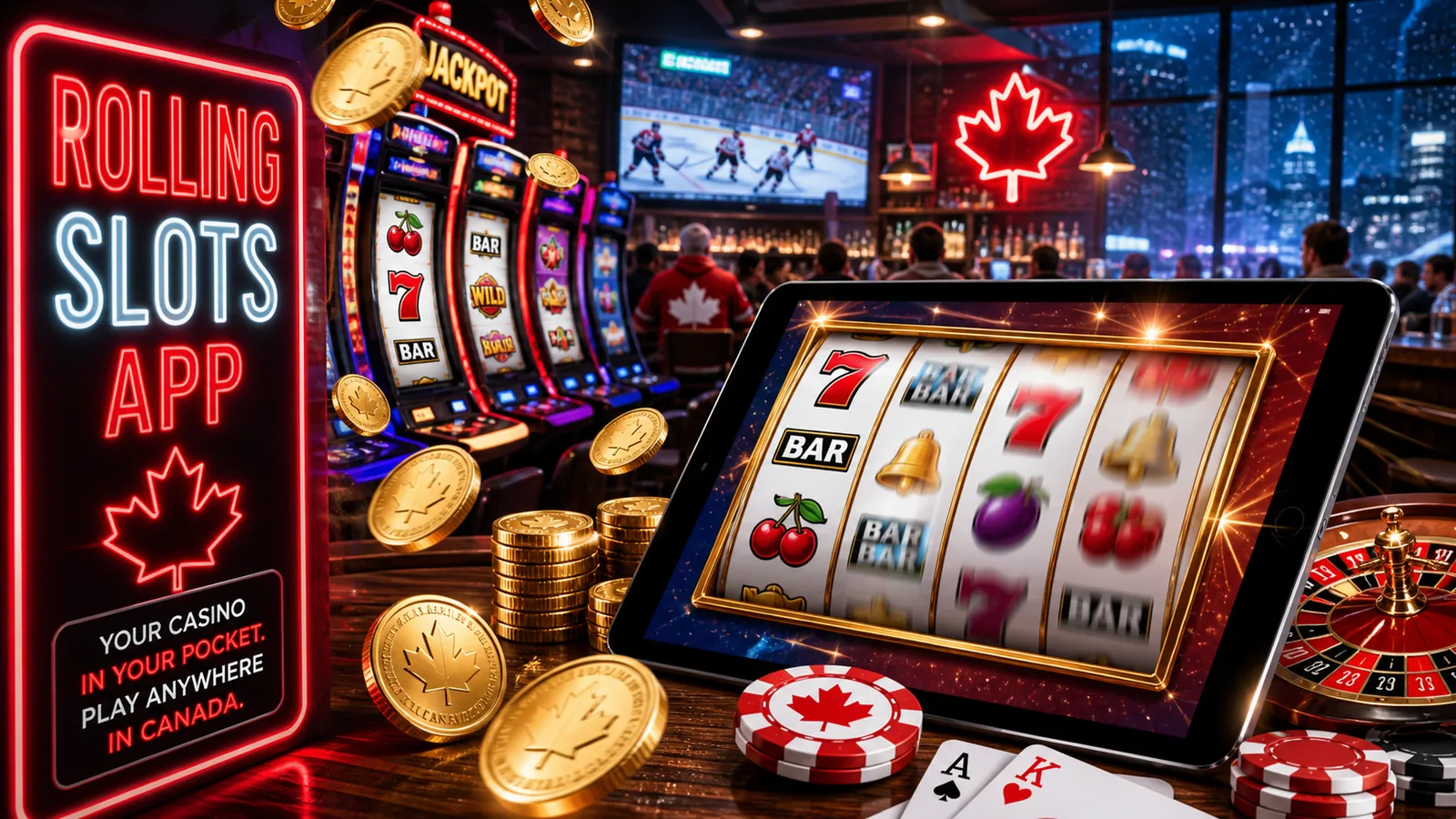
Open the Rolling Slots website in your phone browser, log in, and check whether the interface adjusts cleanly to the screen. A proper mobile casino layout should make the menu, cashier, bonus area, game search, account profile, and live chat reachable without pinching or horizontal scrolling.
I would test the boring parts before the fun parts. Can I open the cashier? Can I see my bonus terms? Can I reach support? Can I find responsible gambling limits? Can I return to the lobby after opening a game? If those account controls are easy to reach, mobile play is more usable. If the site only makes the slot lobby look good but hides the account tools, that is not ideal.
iPhone setup
On iPhone, Safari is the cleanest starting point. If the site supports a home-screen shortcut, Safari can add it through the share menu. That shortcut may open in a more app-like window, but the casino still runs through the browser. I would not treat it as a separate iOS app unless it is actually listed through an official app-store route.
Before playing on iPhone, check browser privacy settings if the login page loops. Some casino sessions need cookies to keep you signed in. If Safari causes problems, a second browser can help, but I would still avoid strange download prompts.
Android setup
On Android, Chrome is usually the simplest route. If a PWA prompt appears, it may let you add Rolling Slots to the home screen. Again, that is a browser-based shortcut, not proof of a Google Play app. I would avoid APK downloads completely unless the operator provides clear, current, official instructions and you understand the risk. For most players, browser access is cleaner.
Android users should also watch permissions. A mobile casino shortcut should not need broad device access. If a download asks for unusual permissions, I would stop.
Mobile casino features I would check
| Feature | Why it matters on mobile | What I would do |
|---|---|---|
| Login | Mobile sessions can expire quickly | Use a password manager and avoid shared devices |
| Bonus tab | Terms are easy to miss on small screens | Read wagering and expiry before depositing |
| Cashier | Payment methods can differ by device or account | Confirm CAD, Interac, cards, e-wallets, or crypto in the cashier |
| Live chat | Support is useful during login or payment issues | Save chat transcripts when possible |
| Limits | Mobile play can feel too casual | Set deposit and session limits early |
| Games | Touch controls vary by provider | Try demo mode where available before real money |
Why I would not chase a fake app
Casino app searches can get messy. A search for a brand plus “app” can surface affiliate pages, old mirrors, APK pages, or unrelated apps using similar words. That is risky because login details and payment details are involved. If you cannot verify that an app is official, do not install it.
The browser route also avoids update problems. If Rolling Slots changes bonus terms, game providers, cashier rules, or account screens, the web version usually reflects that faster than an app file sitting on your phone. That is useful when the main tasks are login, cashier, support, and bonus tracking.
For account access details, use the Rolling Slots login guide. For account setup and verification, use the Rolling Slots Casino login and account guide.
Mobile bonuses and payments
The app-style route should not change bonus rules. If a deposit bonus has wagering, expiry, max bet, or max cashout conditions, those conditions still apply on mobile. Public sources around Rolling Slots list different bonus values and code claims, so I would only rely on the active offer inside the mobile account area. Use the Rolling Slots promo code guide before entering any code.
For payments, I would check the cashier on the same device I plan to use. Some options may be deposit-only. Interac, cards, e-wallets, bank transfer, and crypto are mentioned in public information, but availability can change by player, currency, province, and verification status. If you plan to withdraw later, read the Rolling Slots withdrawal guide before depositing.
Responsible mobile play
Mobile play makes casino access very easy, which is useful and risky at the same time. I would set deposit limits, avoid playing while distracted, and keep casino sessions away from work breaks if that makes budgeting harder. If gambling stops feeling controlled, use time-outs, self-exclusion tools, or Canadian support resources such as ConnexOntario, GameSense, or the Responsible Gambling Council.
FAQ
Does Rolling Slots Casino have an app in Canada?
The safest answer is that mobile browser access is the main route. Some sources describe a PWA-style setup, while others say there is no downloadable iOS or Android app.
Can I add Rolling Slots to my phone home screen?
Possibly, if the mobile site supports a browser shortcut or PWA prompt. Treat it as a browser-based shortcut unless the operator clearly says otherwise.
Should I download a Rolling Slots APK?
I would avoid third-party APK downloads. Casino login and payment details are too sensitive to trust an unofficial file.
Can I deposit and withdraw on mobile?
Mobile cashier access should be available, but payment methods and withdrawals depend on the current account, currency, location, and verification status.
Is mobile play different from desktop play?
The account should be the same, but the screen is smaller. Read bonus terms and cashier details carefully before depositing from a phone.